
1
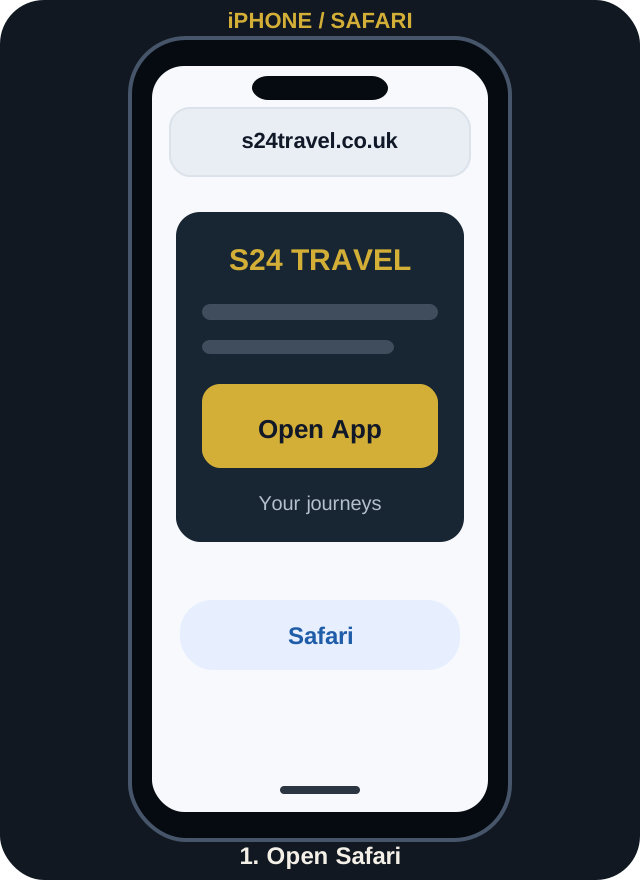
Open the web app in Safari
Tap the Open App button above or enter the address in Safari. If it opens inside WhatsApp or another in-app browser, choose Open in Safari.
Book airport transfers and chauffeur journeys, view upcoming trips and check booking details from your phone. No app-store download or subscription needed.
https://s24travel.co.uk/customer-appOne tap to open
Add it to your Home Screen
Choose your device and follow the illustrated steps. Installation is free.
Tap the Open App button above or enter the address in Safari. If it opens inside WhatsApp or another in-app browser, choose Open in Safari.
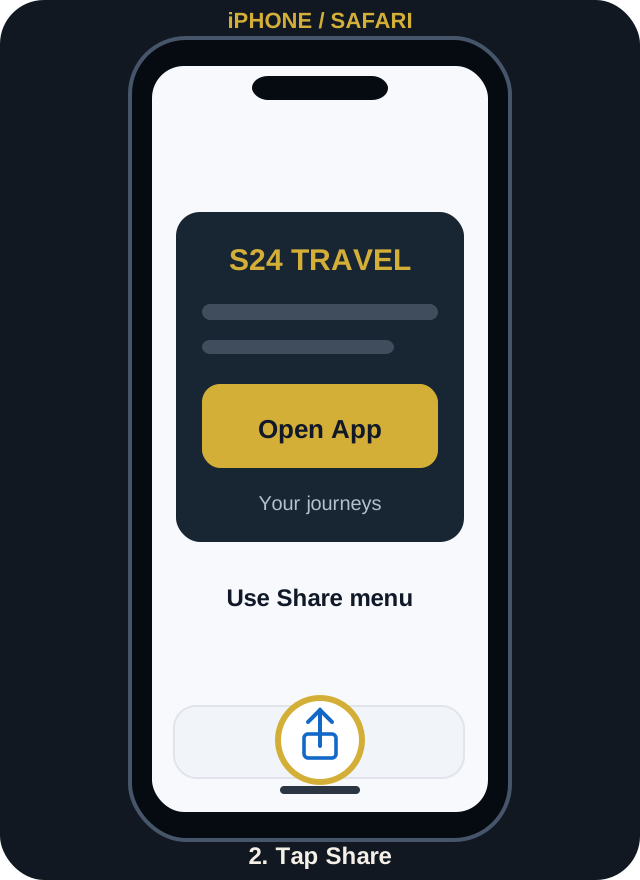
Tap the Share icon (square with an arrow). On newer Safari layouts you may first tap the Page Menu, then Share.
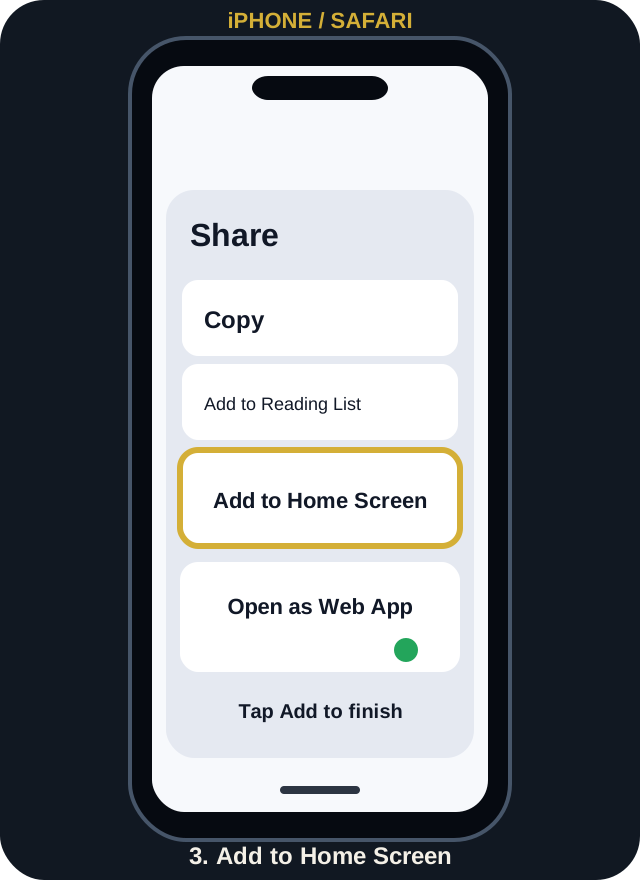
Choose Add to Home Screen. Enable Open as Web App if shown, then tap Add. The S24 icon will appear on your phone.
Illustrations are examples. Your phone's menus may look slightly different.
Need the official device instructions?
Apple Support: Install a Safari web appSign in with your S24 customer account if you have one. You can also book as a guest or find a booking using its reference and matching contact details.
No. You don't need the Apple App Store or Google Play Store. Open the website in Safari or Chrome and add it to your Home Screen.
Open the app directly in Safari on iPhone or Chrome on Android, not inside WhatsApp or another app. Ensure your browser is up to date. In newer Chrome versions the menu may say Install and create shortcut.
An internet connection is required to load live bookings, job details, payments and updates. Sensitive information is not saved for offline viewing.
You can use Advanced Booking as a guest. To look up a guest booking later, use its reference and the same email or phone number used for that booking.
Open the app and use your S24 Travel account, or contact our team if you need help.